
Never get caught off guard by a renewal.
Duvo finds the bills and subscriptions you're actually paying for and reminds you before they renew. Connect your bank, forward a bill, or snap a photo or upload a PDF.
 See how it works
For iPhone. Free to start; Pro for unlimited tracking.
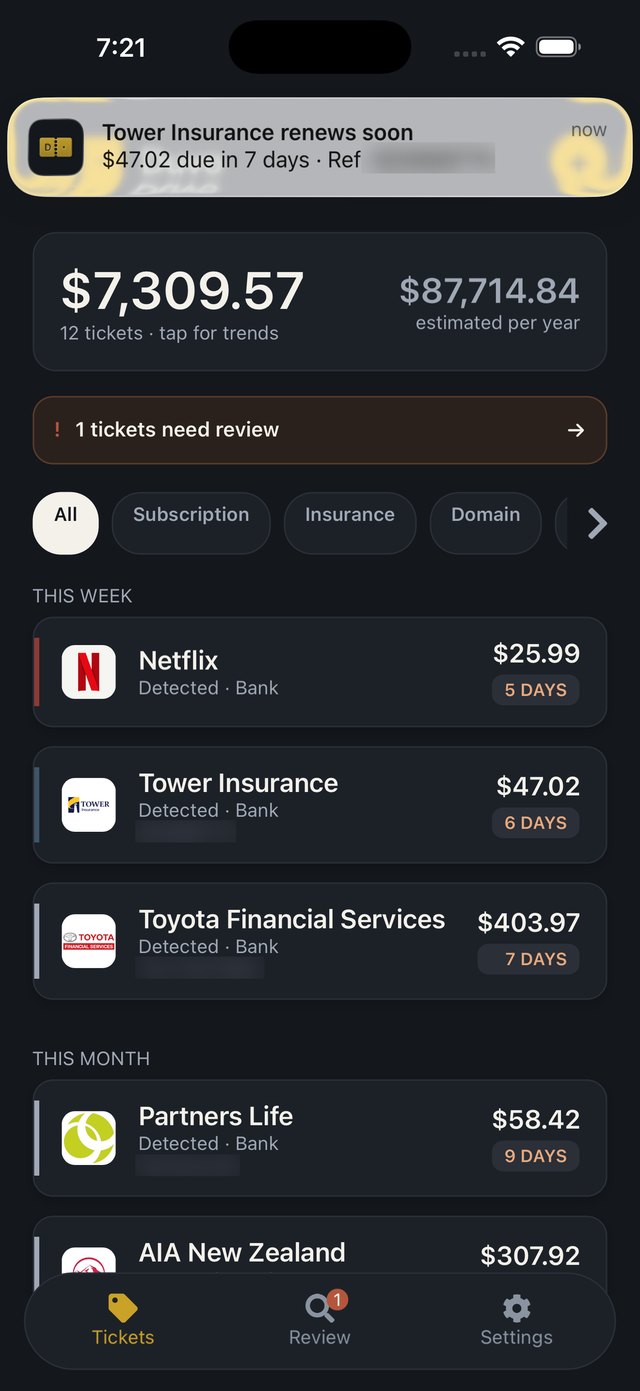
See it in action
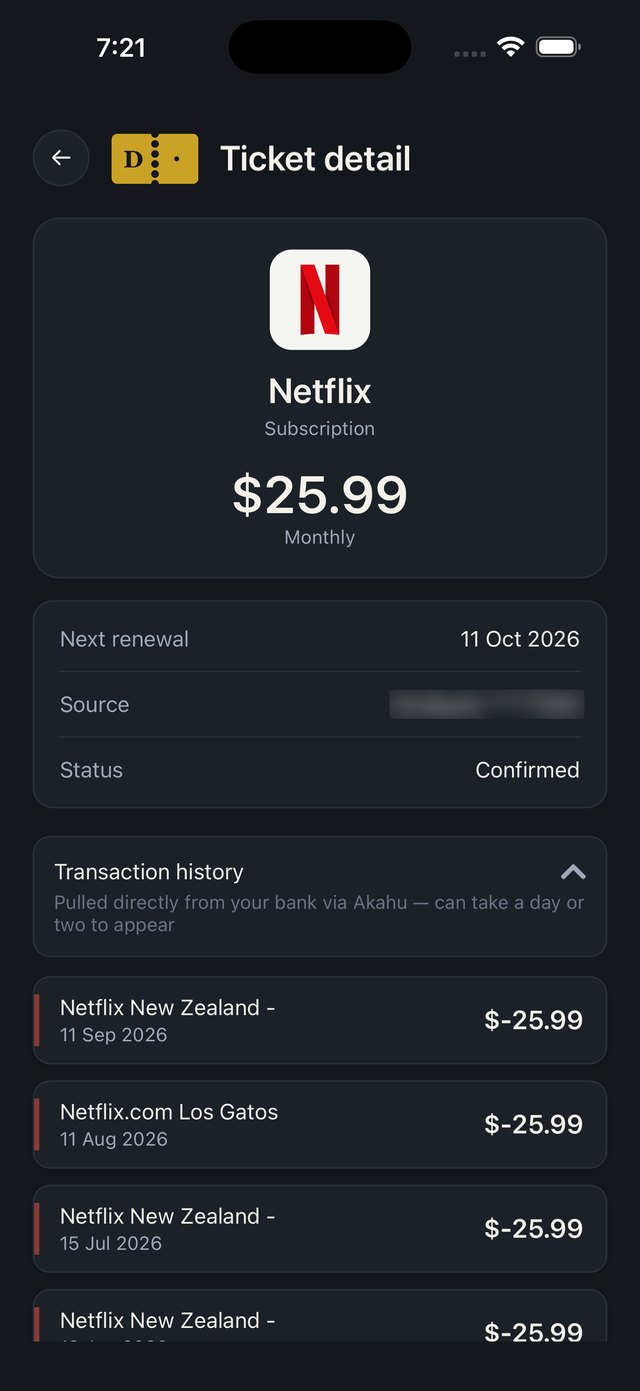
A calm, clear view of everything that renews, with the detail behind each one.
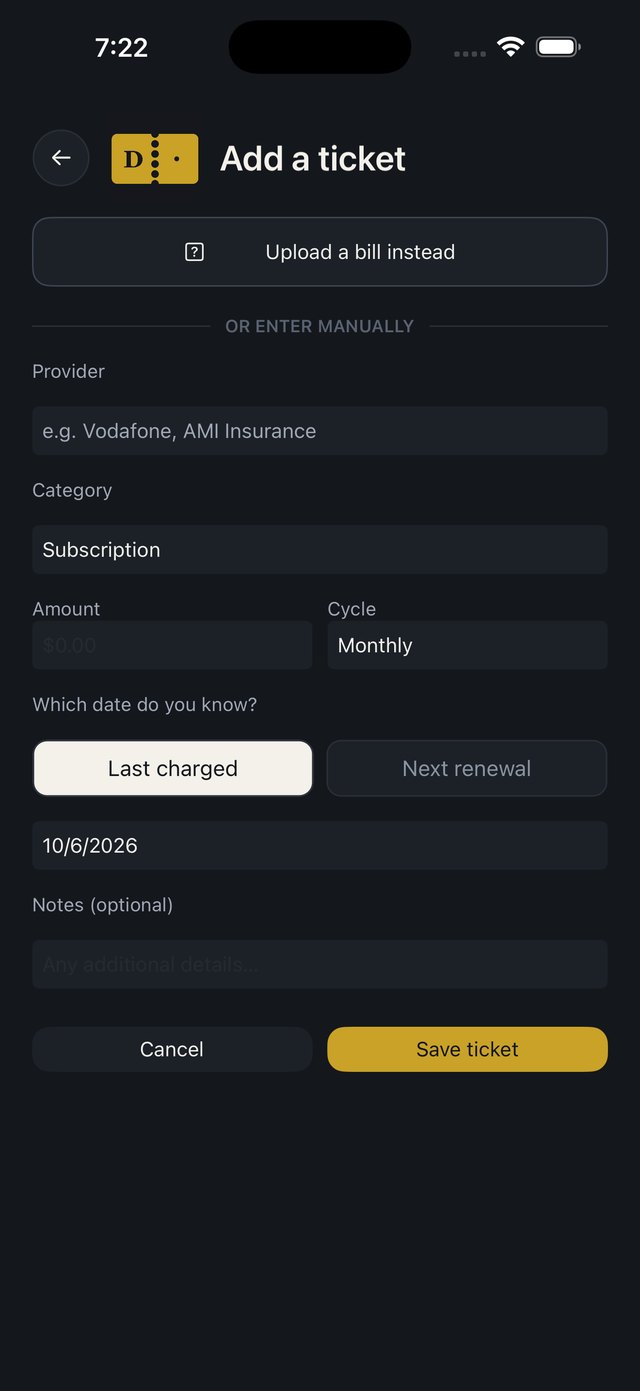
Three ways to add a bill
Duvo pulls out the provider, amount and due date for you, so you always know what's coming and when.
Connect your bank
Link your account through Akahu, New Zealand's open banking provider. Duvo spots recurring charges automatically.
Forward a bill
Send a bill to your personal Duvo email address, or connect Gmail, and the details are filled in for you.
Upload a document
Snap a photo, choose one from your library, or upload a PDF of a bill or renewal notice. Duvo reads it and fills in the details for you.
Everything in one place
Subscriptions, insurance, domains, warranties and more. Get a reminder before you're charged, not after.
- Reminders before renewal so a free trial never quietly turns into a paid plan.
- One clear dashboard grouped into this week, this month and later.
- Documents. Store your policy, warranty or other relevant documents with the ticket.
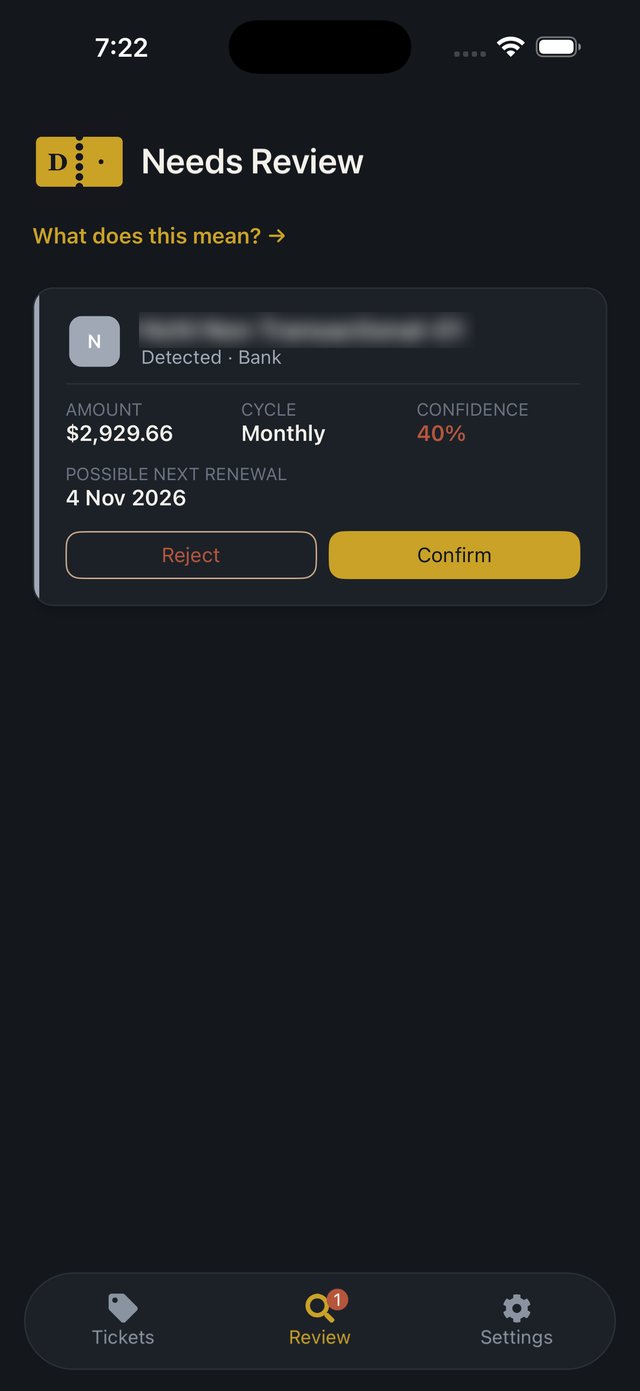
- Review before it counts. Bills detected from your bank wait for your OK, so you stay in control.
- Designed for New Zealand, with support for local banks through Akahu.
Your privacy matters
Duvo never sells your data or shows ads. Read our privacy policy.
Read-only banking
Duvo can never move your money. Your bank login is handled by Akahu and never seen or stored by Duvo.
Your documents, your call
Photos and forwarded emails are read to extract the renewal details, then discarded. PDFs you attach to a ticket stay private to your account until you delete them.
You're in charge
Disconnect your bank at any time from inside the app.
About Duvo
Duvo™ was built to make managing everyday financial commitments simpler.
From subscriptions and household bills to insurance policies, warranties and upcoming renewals, Duvo brings everything together in one convenient place.
Our goal is to give people a clearer picture of what they're paying for and what's coming up. By keeping important dates, payment details and documents organised, Duvo helps you stay ahead of renewals, avoid unexpected charges and make more informed decisions.
Less uncertainty. More control. A simpler way to stay on top of your commitments.
Support
Quick answers below. If you're stuck, email us and we'll get back to you.
How do I add a bill?
Tap the + button in the app. You can upload a PDF, choose a photo from your library, take a photo of a bill, enter the details by hand, forward a bill to your personal Duvo email address, or connect your bank so Duvo detects recurring charges for you.
How do I connect or disconnect my bank?
Open Settings and tap Bank account. Connecting goes through Akahu, New Zealand's open banking provider, and is read-only, so Duvo can never move your money. You can disconnect from the same screen at any time.
What's included in the free plan and in Pro?
The free plan tracks up to 5 tickets. Pro gives you unlimited tickets and automatic detection from your bank. You can upgrade or restore a purchase from Settings.
Why does a detected bill need review?
Duvo asks you to confirm recurring charges it detects in your bank before they count, so you stay in control. Open the Review tab to confirm or reject each one.
Can I store my policy or warranty in Duvo?
Yes. Open a ticket and upload a PDF of your policy, warranty or any other relevant document, up to 10 MB. It's stored privately against that ticket, and you can open or delete it any time.
How do I delete my account and data?
Open Settings and tap Delete account. If you'd like help, email us from the address you signed up with and we'll do it for you.
When will I get a reminder?
Duvo reminds you 7 days before a bill renews. For weekly and fortnightly bills the reminder comes 2 days before. Make sure notifications are turned on for Duvo in your iPhone settings.
How often does my bank sync, and why isn't a bill showing yet?
Duvo checks your bank regularly through the day. Right after you connect, or when a new charge is made, it can take a day or two for transactions to appear. If a bill still isn't there after that, email us.
Does Duvo cancel subscriptions for me?
No. Duvo tracks your bills and reminds you before they renew. To cancel, contact the provider.
How do I sign in or reset my password?
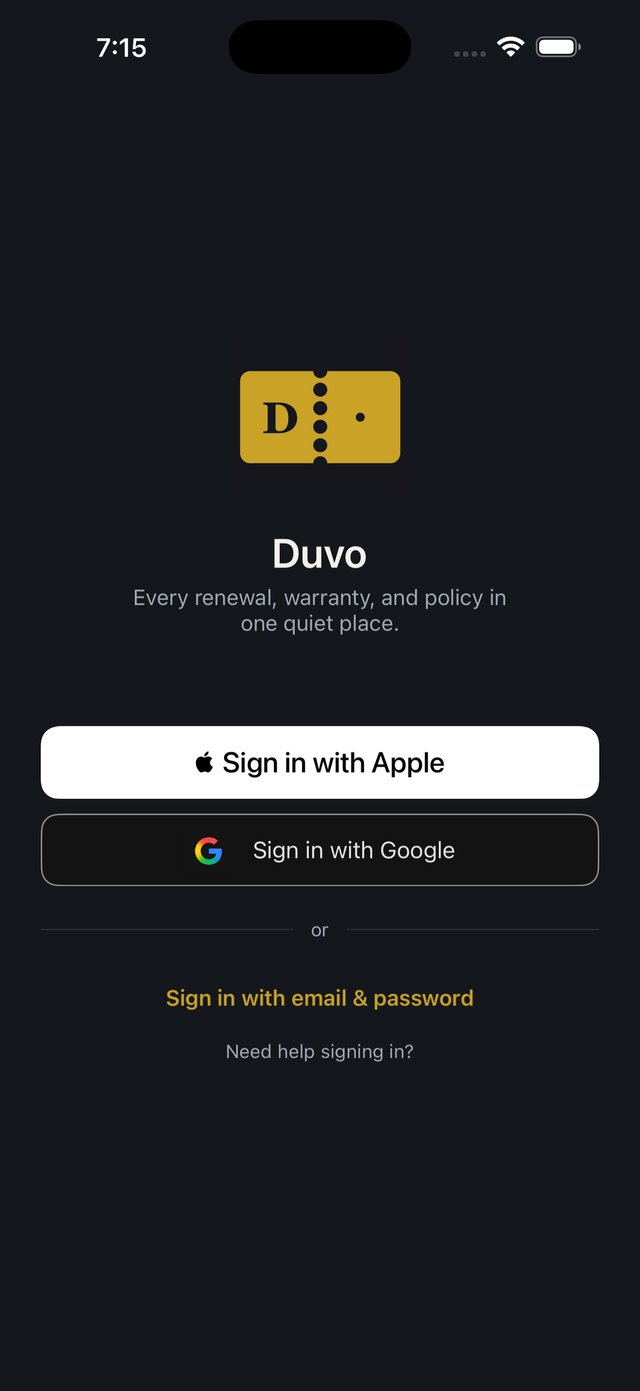
You can sign in with Apple, Google, or email and password. If you're stuck, tap "Need help signing in?" on the login screen.
How do I manage my Pro subscription?
On your iPhone, open Settings, tap your name, then Subscriptions, and choose Duvo to change or cancel it. To restore a purchase on a new phone, use Restore purchases in Duvo's Settings.
Still need help? Email [email protected]. Include your phone model and a short description of what happened.
Stop losing money to renewals you forgot about.
Download Duvo and see what's coming up in a couple of minutes.